
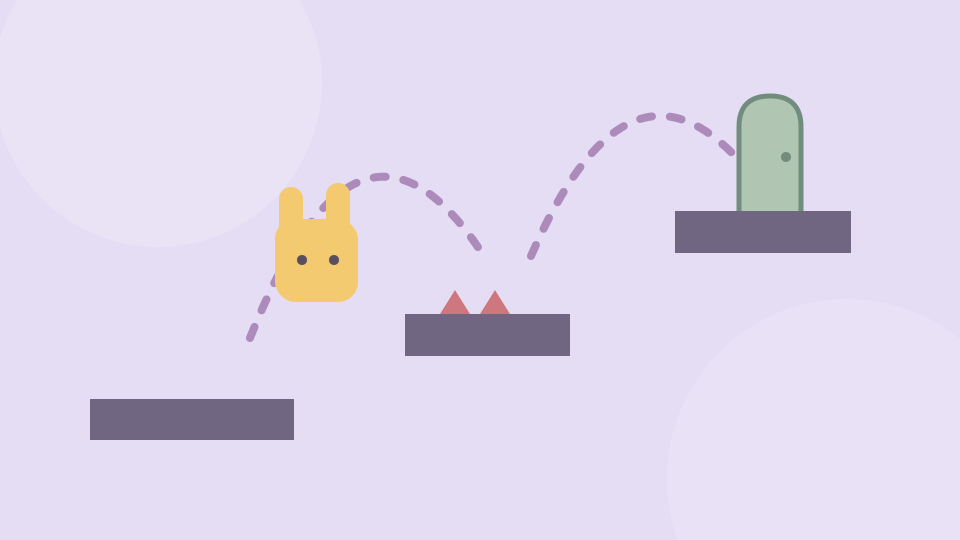
Start with the first available level
Choose Start game, follow any provider Continue game screen and open the first available level. The small character needs to reach the exit, but the route can change as you move.
Take a short first attempt to see what happens near a gap or platform. Falling is part of learning the trap; it gives you another chance to change the move that led there.
Move and jump
On a keyboard, use A/D or Left/Right to move and W or Up to jump. Click inside the game before pressing the keys.
The provider also lists on-screen movement arrows and a jump button for mobile. These buttons are visible in the game’s layout; use the controls shown by your current version. A wider view gives the level and buttons more room.
Change one move after a fall
Watch the point where the trap activates. On the next attempt, try a different jump point, a shorter movement or a brief wait, rather than repeating the same input sequence.
Use the in-game restart control to begin another attempt or the home control to return to the menu. The provider may offer an ad-based level skip; it is optional, and this guide does not require it.
Later trap solutions are left unspoiled here. If you want a break, Exit game closes the embedded window; the recent-games list is only a shortcut back to the page.
Creator, connection and progress
OnlineGames.io identifies FreezeNova as the developer. This is its Troll Level browser edition, with its own levels and controls.
Starting the game connects to OnlineGames.io. Internet access is required, and provider advertisements or a Continue game screen may appear. Use the controls offered by the provider when they become available.
Play Games Daily provides the surrounding page and original decorative cover. The live game remains on the provider’s service. The provider controls its browser storage; this site cannot export or restore the game’s progress.
Updated