
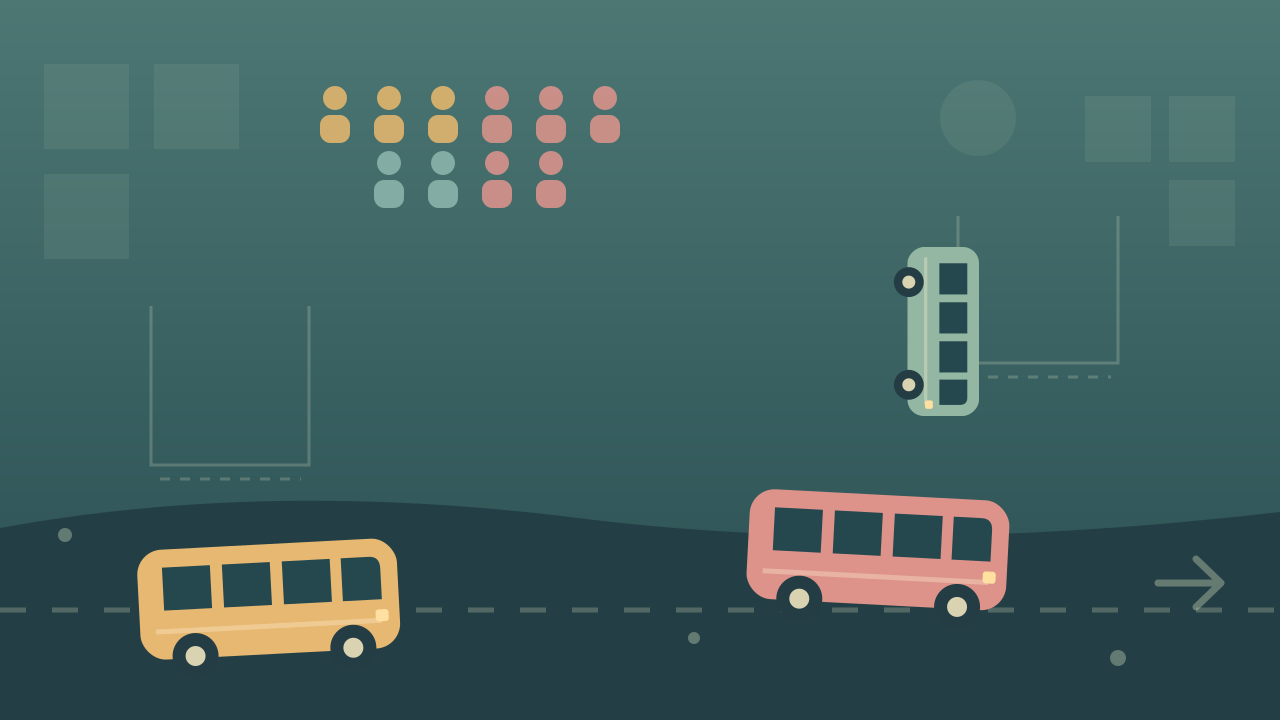
Choose from the front of a queue
Select Start game, then enter a puzzle inside the game. Look at the passenger colors currently exposed in the picture. Click or tap a matching vehicle at the front of a queue so it can leave.
The vehicle moves into a waiting bay and collects matching passengers. A full vehicle leaves, making its bay available again.
Parking space is part of the puzzle
An available color is useful only if its vehicle can collect the passengers you have exposed. Watch which parked vehicles are filling and how many waiting bays remain.
The provider lists Clear and Shuffle helpers, speed rewards and upgrades. Read each button’s current explanation and cost before choosing it.
Select vehicles and read the menus
Left-click vehicles and buttons on desktop. GameMonetize lists touch controls for the same selections. Choose a front vehicle rather than one blocked farther back in its queue.
The game supplies its own menus and helper controls; this page does not add keyboard shortcuts or change the puzzle’s available moves.
Loading, ads, and browser progress
The game is supplied by GameMonetize after Start game. It requires an internet connection and may display advertisements. Allow its loading screen to finish, and use Exit game to close the window when done.
The provider describes local browser progress. This page cannot read or recover that save. Before reloading, use any save instructions in the game; another browser or device will not automatically share the same record.
The YIGOT publisher edition
GameMonetize lists YIGOT as the creator of Pixel Jam Bus Puzzle. Its provider serves the live game, images, sounds and advertisements. This site supplies the surrounding controls and these instructions.
Updated