
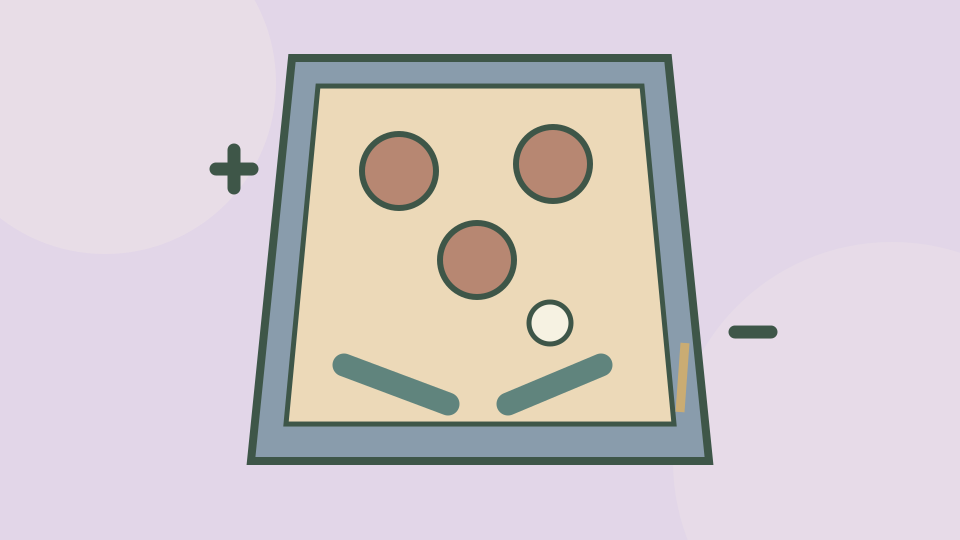
Launch first, then watch the return
Choose a table and click Play. When the table appears, click Start and wait for the ball to reach the plunger lane. Press Space to launch it, then follow it as it returns toward the lower flippers.
Left and Right move the flippers. Try a brief press as the ball approaches so you can see how its direction changes. The provider also lists mouse input, but these instructions focus on keyboard play.
Keep the table and key card together
Expand gives the table the available window height while preserving the site’s Exit game button. Open Controls for a launch-and-flipper reminder, then close it once the keys are familiar.
This browser edition is supplied by OnlineGames.io. It is a virtual pinball game; real pinball-machine settings and other pinball apps are not part of this page’s instructions.
Quick controls and leaving the game
Watch the ball’s approach to a flipper. Pressing constantly makes it harder to learn the timing of a useful return.
Choose Exit game in the toolbar to close the player. Reload opens a fresh game window and may end the current attempt. Reading a control card does not pause the game.
| Action | Input |
|---|---|
| Launch ball | Space |
| Left flipper | ← |
| Right flipper | → |
Scroll across the table if any columns are off screen.
Source, connection and progress
OnlineGames.io supplies this Pinball Simulator browser edition. The game displays FreezeNova branding; its official listing does not name a separate developer.
Starting connects to the provider, which may show advertisements or a Continue game screen. Follow those controls when they become available. Internet access is required.
Play Games Daily provides this guide, the surrounding player and an original decorative cover. The live game stays on the provider’s service. Its browser storage is controlled by the provider; this site cannot export or restore the game’s progress.
Updated