
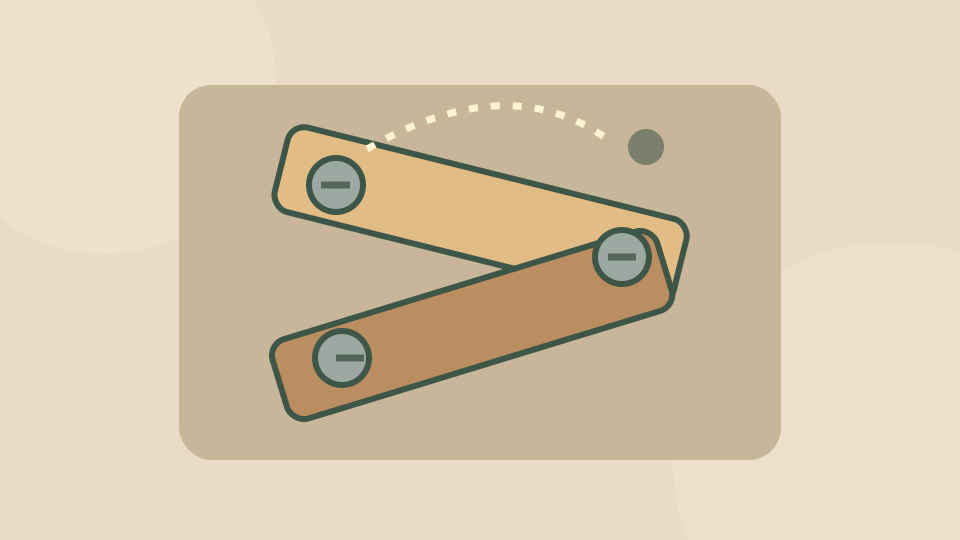
Find a destination before moving the screw
Look for an empty hole that is not covered by a plank. Select the bolt you want to move, then click its new hole. Removing a support changes the board, so wait to see where the wood settles.
The aim is to release the planks, not merely shuffle bolts. Before the next move, check both the remaining supports and the spaces that are still available.
Keep one useful space available
A spare hole gives you a way to move the next bolt. Filling every easy space can leave a plank trapped across the holes you need. Plan the next destination as part of the current move.
The provider describes a timed puzzle; follow the timer and any current in-game offers. The nearby Controls card keeps the select-then-place sequence visible without scrolling below the board.
Quick controls and leaving the game
Check the destination before removing a bolt. A free hole now may become covered when a plank drops.
Choose Exit game in the toolbar to close the player. Reload opens a fresh game window and may end the current attempt. Reading a control card does not pause the game.
| Action | Input |
|---|---|
| Select a bolt | Click |
| Place the bolt | Click free hole |
Scroll across the table if any columns are off screen.
Source, connection and progress
OnlineGames.io supplies this Nuts and Bolts Puzzle browser edition. Its official listing does not identify a separate developer.
Starting connects to the provider, which may show advertisements or a Continue game screen. Follow those controls when they become available. Internet access is required.
Play Games Daily provides this guide, the surrounding player and an original decorative cover. The live game stays on the provider’s service. Its browser storage is controlled by the provider; this site cannot export or restore the game’s progress.
Updated