
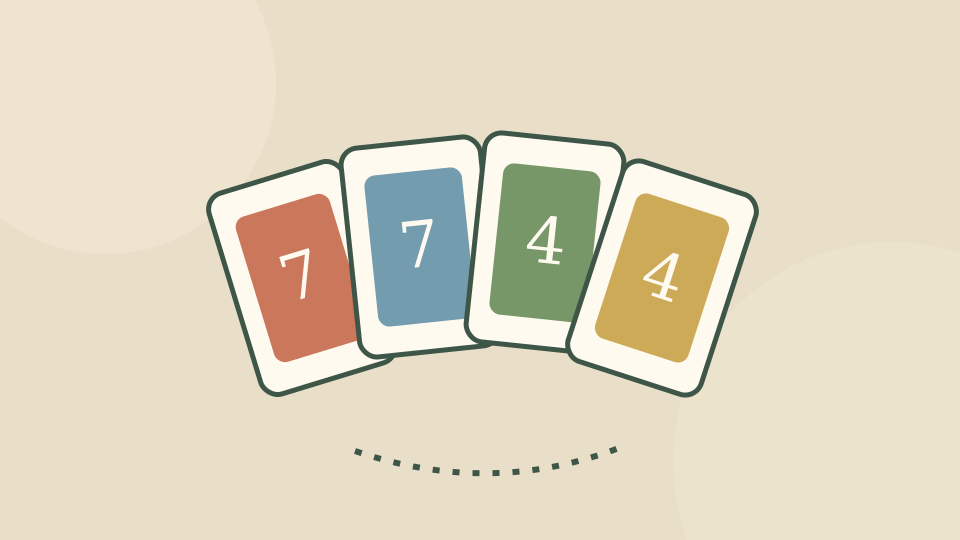
Read the top card before choosing
Look at the card in the center, then check your hand for the same color or number. Click a matching card to put it on the pile. When you cannot play, use the draw pile and follow the game’s turn indicator.
Action cards change a turn in ways that a numbered card does not. The built-in tutorial explains those symbols; use it when a card is unfamiliar instead of guessing from its color alone.
A smaller table makes the first hand easier to follow
Choose the two-player table to face one computer opponent. Larger tables add more computer hands between your turns. This version is a local browser card game; an online invitation feature is not promised here.
The game is credited to codethislab. Expand and the Controls card let you keep the rule reminder nearby without scrolling below your hand.
Quick controls and leaving the game
The number of players here sets the table size. It does not mean inviting an online friend to this page.
Choose Exit game in the toolbar to close the player. Reload opens a fresh game window and may end the current attempt. Reading a control card does not pause the game.
| Action | Input |
|---|---|
| Choose a card | Click |
| Draw when needed | Draw pile |
Scroll across the table if any columns are off screen.
Source, connection and progress
The official listing credits codethislab for Four Colors. OnlineGames.io supplies this browser edition.
Starting connects to the provider, which may show advertisements or a Continue game screen. Follow those controls when they become available. Internet access is required.
Play Games Daily provides this guide, the surrounding player and an original decorative cover. The live game stays on the provider’s service. Its browser storage is controlled by the provider; this site cannot export or restore the game’s progress.
Updated